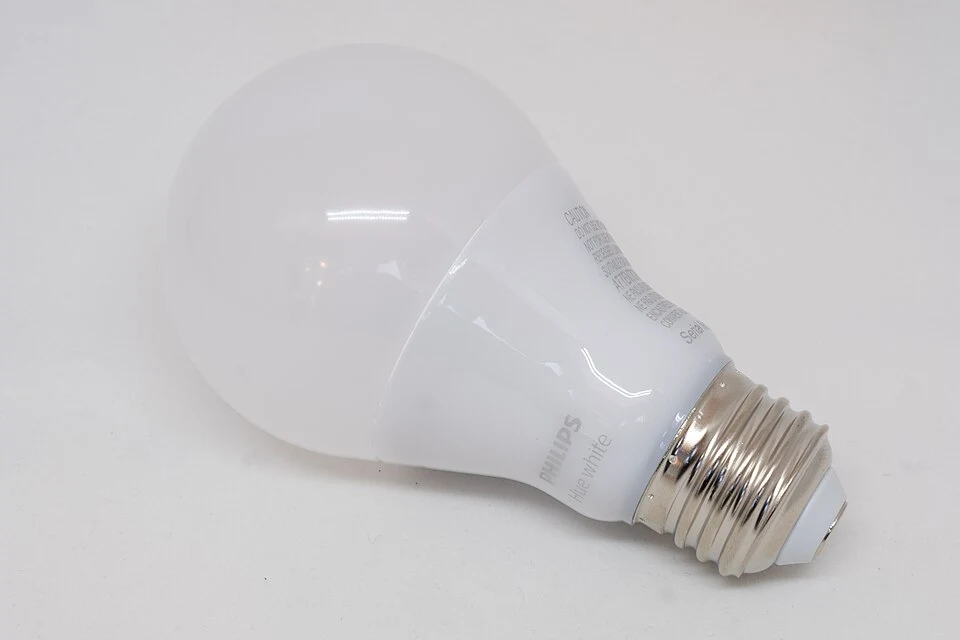
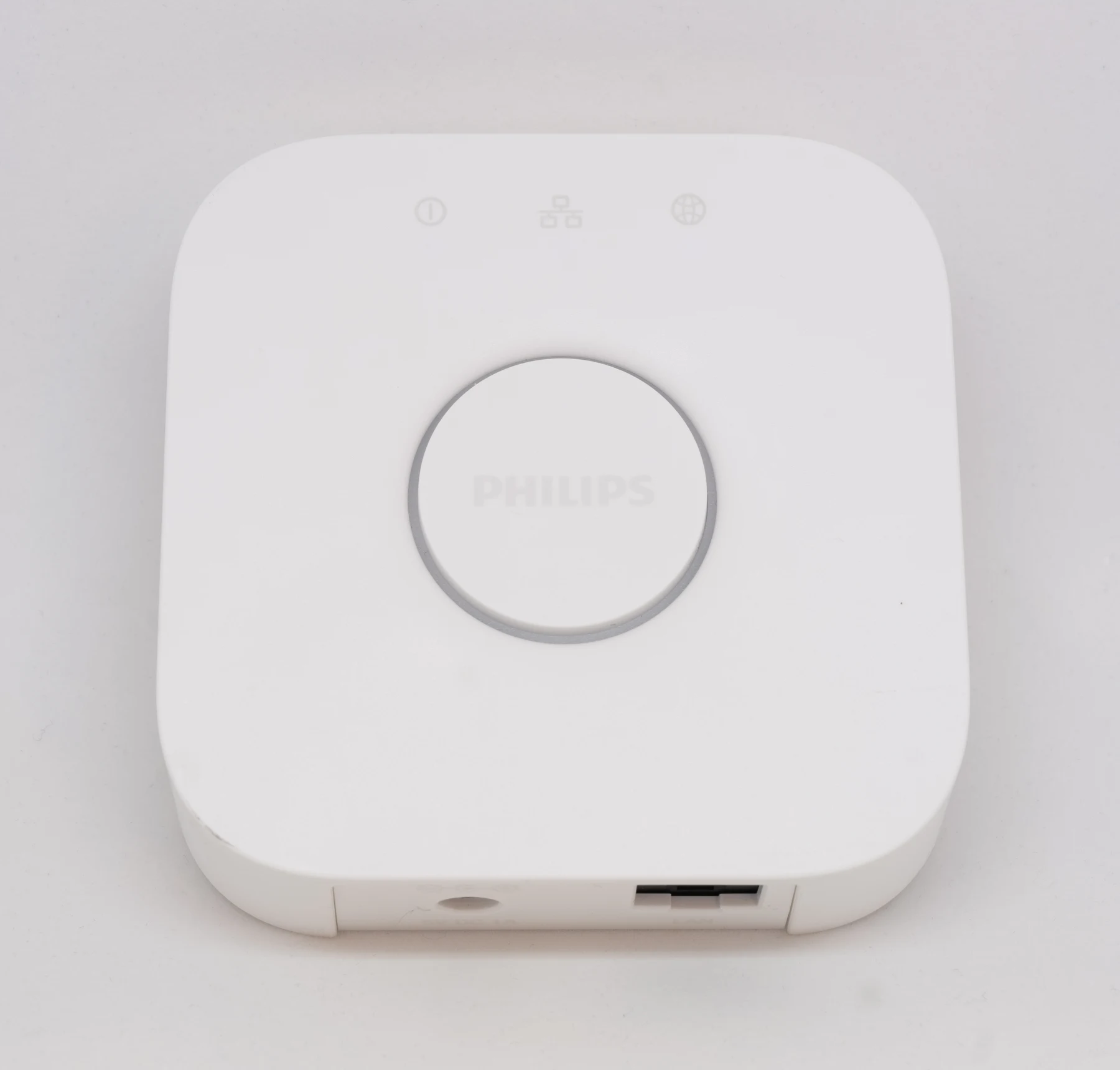
A lighting hub is not the glamorous part of a smart home. It sits near a router while the lamps do the visible work. Its value should be judged by the system it enables and the complexity it removes, not by how impressive the specification sounds.
At a glance
- Product
- Standard Hue Bridge
- Role
- Dedicated lighting hub
- Check before buying
- Generation and feature compatibility
A hub should have a job
Philips describes the Bridge as the link that connects Hue lights and accessories with the home network. This review considers the standard square Bridge pictured here, not Bridge Pro. Features, capacity, and compatibility should be checked against the exact generation offered by the seller.
Before buying, write down a job that your current setup cannot do. Coordinating rooms, adding compatible accessories, and managing a larger lighting plan are more persuasive reasons than simply completing a matching product collection. A single lamp controlled nearby may not justify another device.
Plan the place it will live
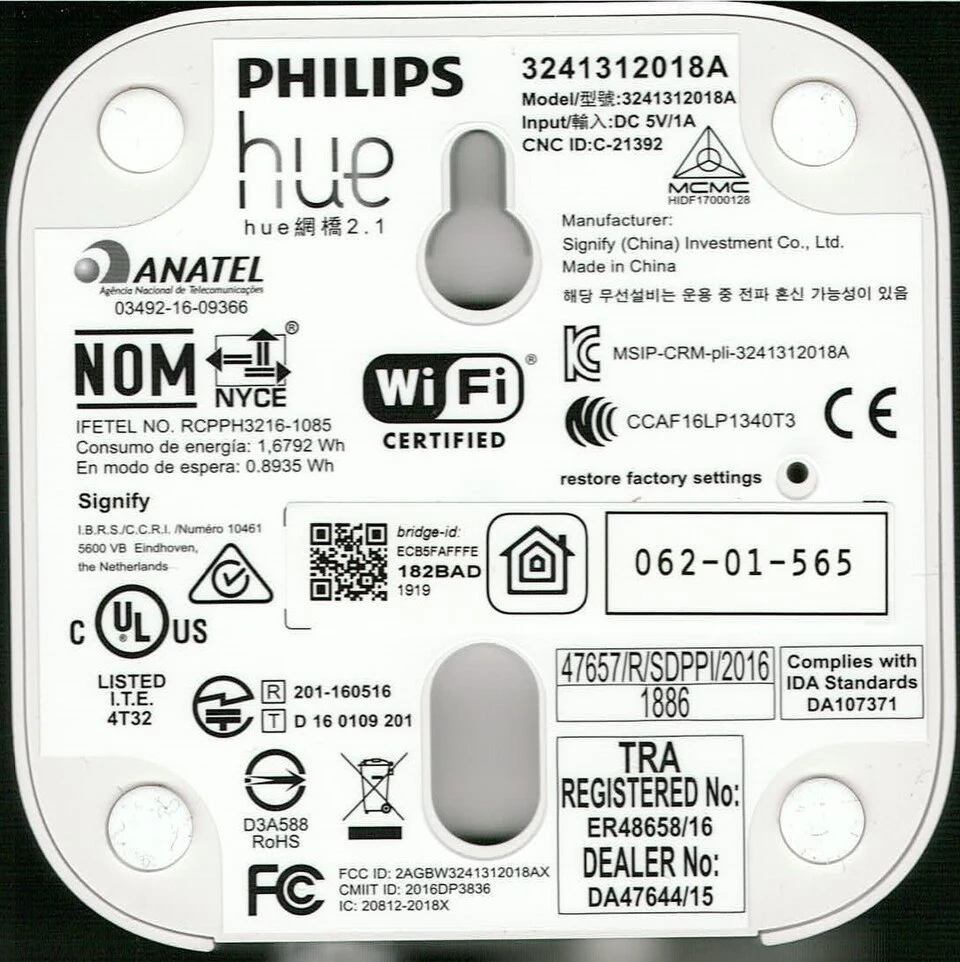
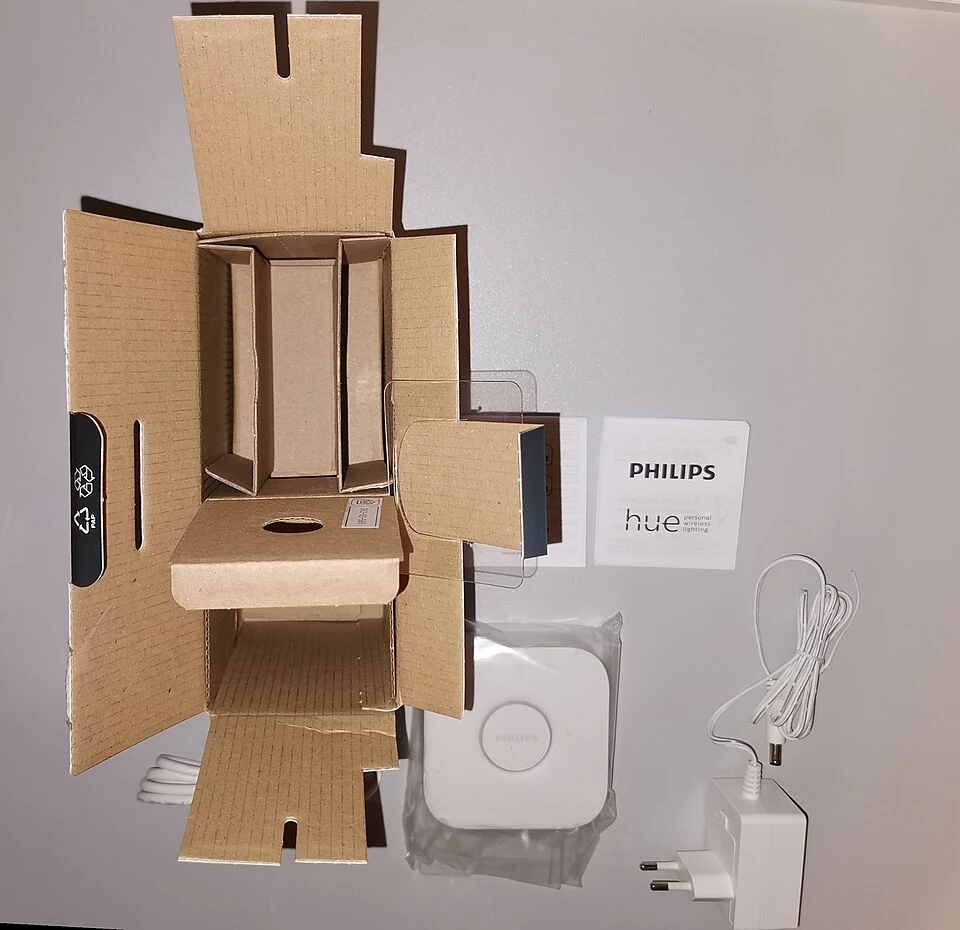
The standard Bridge setup uses power and a router connection. Leave room for both, label the cables, and keep the device accessible for setup or troubleshooting. It should not become an unidentified box buried behind furniture.
For an existing Hue owner, the useful comparison is between keeping the present setup, adding a Bridge, and buying a different generation. Check official migration instructions before moving lights. Do not assume a newer hub will preserve every routine without preparation. Keep a record of room names and essential settings so that changes can be checked deliberately.
Complexity is part of the price
A hub can organize a system, but it also adds something to maintain. App access, account permissions, software updates, and household ownership deserve attention. Decide who manages the system and how another resident can use the lights without depending on your phone.
We have not conducted long-term connectivity or automation tests. In particular, we make no claim about response times, coverage in your building, or how a specific integration behaves during an outage. Verify the requirements for each feature that matters to you. If you cannot name a practical benefit, waiting is a sensible buying decision.
Pros & cons
What works on paper
- A dedicated center for a Hue lighting setup
- Useful to evaluate when expanding across rooms
- Keeps lighting planning within one system
What to weigh up
- Adds power and network cabling
- Generation-specific features require checking
- Unnecessary for some small setups
Who should buy it?
Existing Hue users with a clear expansion plan, compatible accessories, and space near the router. Buyers who only need one simply controlled lamp should first check whether their current setup is enough.
The verdict
Buy a Bridge to solve a defined lighting problem. Check the standard model against newer alternatives, include the accessories in your budget, and plan the change before pairing devices.
Sources & image credits
Product reference: Philips Hue: what is the Hue Bridge?. Consult the manufacturer for current features, regional requirements, and support. Editorial judgments are NestPick’s interpretation, not measured test results.
Photography is independently licensed; photographers and manufacturers do not endorse this article. All four images are credited beside their captions. Resized WebP derivatives retain the applicable original image license. Full image credits and licenses.